GitHub
Configure RBAC and set the organisation field to restrict access to your organisation.
User authentication
Create a GitHub OAuth2 application
- Login to GitHub and navigate to the organisation you wish to integrate with Flex.
- Navigate to Settings > Developer Settings > OAuth Apps > New Oath Application
- Fill out the Register a new OAuth application form:
- Application name: The name of your Flex instance, e.g. 'Flex Staging'.
- Homepage URL: The absolute URL to your Flex instance, e.g.
https://flex.stage.mycorp.com - Authorization callback URL: The absolute URL for authorization callback, e.g.
https://flex.stage.mycorp.com/oauth2/github/callback
- Open your freshly created OAuth App and make note of the Client ID and Client Secret.
Integrate Flex with GitHub OAuth2
Set the following environment variables and start Flex:
-
AUTH_PROVIDER_TYPE=github -
OPENID_AUTH_URI=The URI to authorize GitHub users, e.g.https://github.com/login/oauth/authorize, or
[GitHub Enterprise Host]/login/oauth/authorize -
OPENID_TOKEN_URI=The URI to retrieve an OAuth token, e.g.https://github.com/login/oauth/access_token, or
[GitHub Enterprise Host]/login/oauth/access_token -
GITHUB_API_ENDPOINT=The URI to perform user actions, e.g.https://api.github.com/, or
[GitHub Enterprise Host]/api/v3/ -
OPENID_CLIENT_ID=the Client ID found in the OAuth Apps page (required) -
OPENID_CLIENT_SECRET=the Client Secret found in the OAuth Apps page (required) -
AUTH_LANDING_URI=The absolute Flex URI, e.g.https://flex.stage.mycorp.com
Flex will now authenticate users with GitHub via OAuth2.
User authorization
See the guide to Role Based Access Control for full configuration details.
Integrate GitHub SSO and RBAC
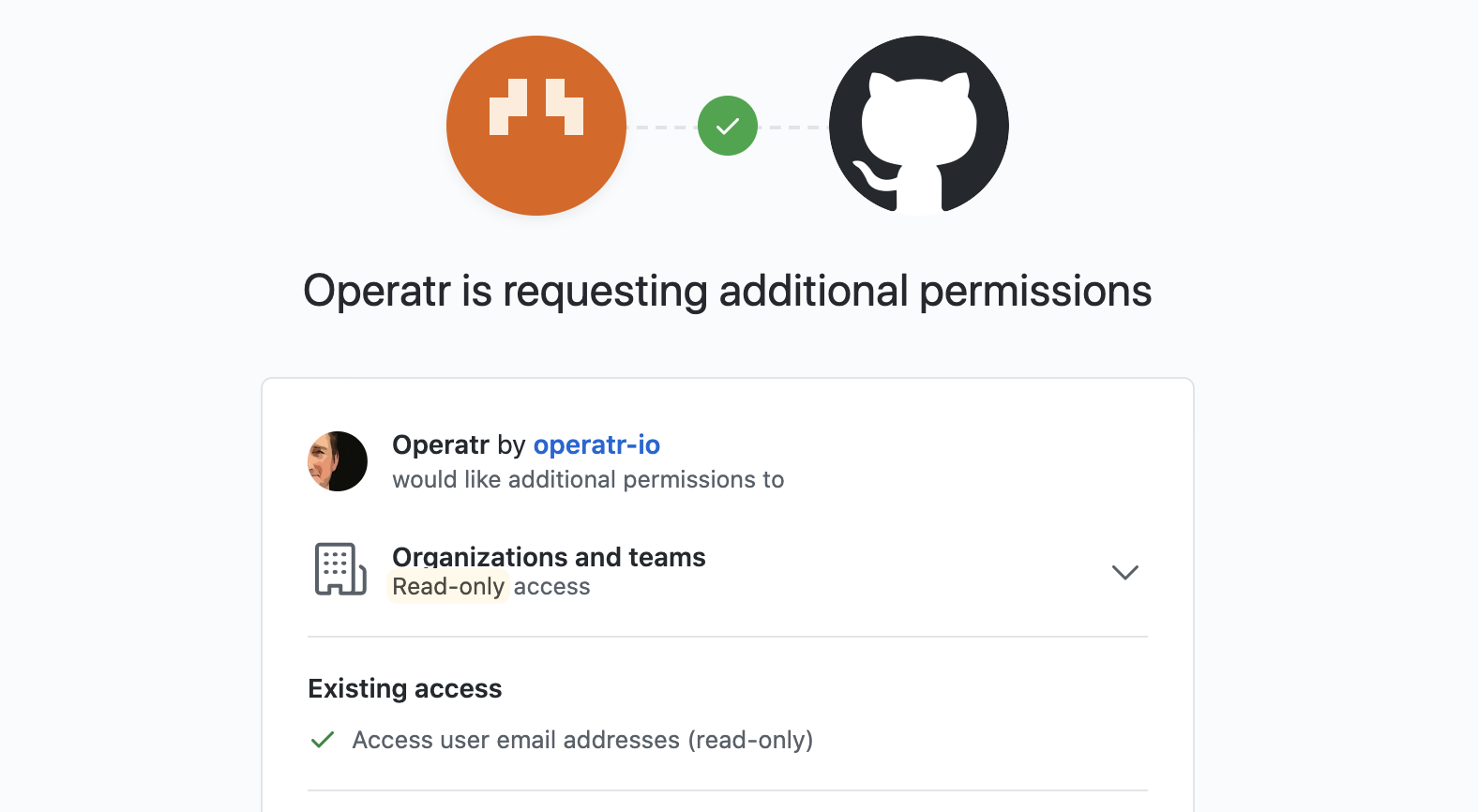
When RBAC is enabled Flex will request orgs:read scope to view a user's roles.
Default GitHub roles
GitHub Organisation roles are restricted to admin or member so they are the two default roles you can configure with Flex RBAC when using GitHub SSO.
Flex makes a request to the GitHub API for user membership state and role information by querying GET /orgs/:org/memberships/:username. Specify the github key inside your rbac-config.yaml to define the GitHub Organisation to query for role information, and optional role_field to use.
Using GitHub teams for roles
Note: GitHub teams configuration requires extra OAuth scopes: user and repo.
Flex can use the teams associated with the authenticated user as roles in Flex. You can do this by specifying a custom role_field in the RBAC yaml:
# Specifically restrict Auth to a single GitHub Organization
# Specify that a user's teams field should be used to identify roles
github:
  org: factorhouse
  role_field: teams
Once enabled, Flex will use the list teams API call to query for roles.
Configuration
This sample configuration specifies:
- Who may access Flex
- Which users are Flex admins
- What RBAC policies are in place
- Access is restricted to one GitHub organisation
- GitHub Teams are used as user-roles for RBAC
See: Role Based Access Control for more information.
# Allow all users who can authenticate access the application
authorized_roles:
  - "*"

# Specify that users with the role 'admin' are Admins
admin_roles:
  - "admin"

# Define some RBAC policies
policies:
  - resource: ["cluster", "N9xnGujkR32eYxHICeaHuQ"]
    effect:   "Allow"
    actions:  ["TOPIC_INSPECT", "TOPIC_PRODUCE"]
    role:     "admin"

# Specifically restrict Auth to a single GitHub Organization
# Specify that a user's teams field should be used to identify roles
github:
  org: factorhouse
  role_field: teams