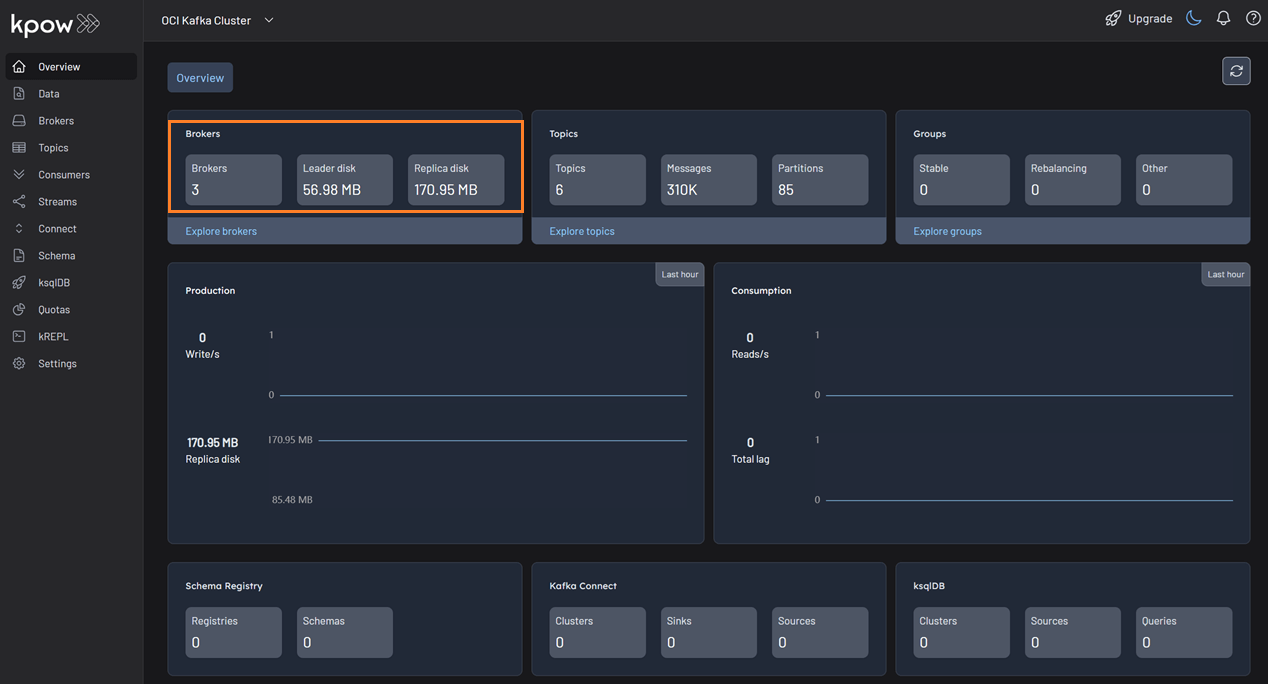
Oracle Cloud Infrastructure (OCI) Streaming
Oracle Cloud Infrastructure (OCI) offers two distinct, Kafka-compatible streaming services.
- OCI Streaming with Apache Kafka: A managed service that allows you to create and run dedicated Apache Kafka clusters within your OCI tenancy, offering the full functionality of Apache Kafka.
- OCI Streaming: A fully managed, serverless, and scalable solution for ingesting and consuming high-volume, real-time data streams. It is compatible with most Kafka APIs.
OCI Streaming with Apache Kafka
This guide assumes a Kafka cluster and necessary resources, including IAM policies, have been created as shown in the getting started document.
Cluster Authentication
Authentication can be configured using SASL/SCRAM or Mutual TLS (mTLS), as described in the OCI documentation.
SASL/SCRAM
This mechanism uses credentials stored as secrets within the OCI Vault service. Before connecting, you must create a Vault and a secret containing the username and password. This Vault must then be associated with your Kafka cluster.
Set the following Kpow connection variables, replacing the placeholders with the credentials from your OCI Vault secret:
SECURITY_PROTOCOL=SASL_SSL
SASL_MECHANISM=SCRAM-SHA-512
SASL_JAAS_CONFIG=org.apache.kafka.common.security.scram.ScramLoginModule required username="<VAULT_USERNAME>" password="<VAULT_PASSWORD>";
Mutual TLS (mTLS)
Configure your Kpow environment with the following:
SECURITY_PROTOCOL=SSL
SSL_KEYSTORE_LOCATION=/path/to/keystore.jks
SSL_KEYSTORE_PASSWORD=<KEYSTORE_PASSWORD>
SSL_KEY_PASSWORD=<KEY_PASSWORD>
SSL_KEYSTORE_TYPE=PKCS12
SSL_TRUSTSTORE_LOCATION=/path/to/truststore.jks
SSL_TRUSTSTORE_PASSWORD=<TRUSTSTORE_PASSWORD>
SSL_TRUSTSTORE_TYPE=PKCS12
Refer to the OCI documentation for more information, including how to generate certificates.
Access Control
OCI Streaming with Apache Kafka uses two levels of access control:
- OCI IAM Policies: These grant permissions to User Groups for managing the cluster lifecycle (create, delete, update) and to the Service Principal (
rawfka) for performing operational tasks like creating network endpoints. The OCI Kafka getting started guide details the required policies. - Apache Kafka ACLs: For more granular control over access to resources within a cluster, such as topics and consumer groups, use Kafka ACLs.
- Kpow provides robust support for Kafka ACLs. See the ACL management documentation for details.
Quickstart
This command starts a Kpow container configured to connect to a managed OCI Kafka cluster using SASL/SCRAM authentication with credentials stored in OCI Vault.
docker run -d -p 3000:3000 --name kpow \
  -e ENVIRONMENT_NAME="OCI Kafka Cluster" \
  -e BOOTSTRAP="<BOOTSTRAP_SERVER_ADDRESS>" \
  -e SECURITY_PROTOCOL="SASL_SSL" \
  -e SASL_MECHANISM="SCRAM-SHA-512" \
  -e SASL_JAAS_CONFIG='org.apache.kafka.common.security.scram.ScramLoginModule required username="<VAULT_USERNAME>" password="<VAULT_PASSWORD>";' \
  --env LICENSE_ID="<LICENSE_ID>" \
  --env LICENSE_CODE="<LICENSE_CODE>" \
  --env LICENSEE="<LICENSEE>" \
  --env LICENSE_EXPIRY="<LICENSE_EXPIRY>" \
  --env LICENSE_SIGNATURE="<LICENSE_SIGNATURE>" \
  factorhouse/kpow:latest
For brevity, Kpow authorization configuration has been omitted. See Simple Access Control to enable necessary user actions.
Once the container is running, navigate to http://localhost:3000 to access the Kpow UI.
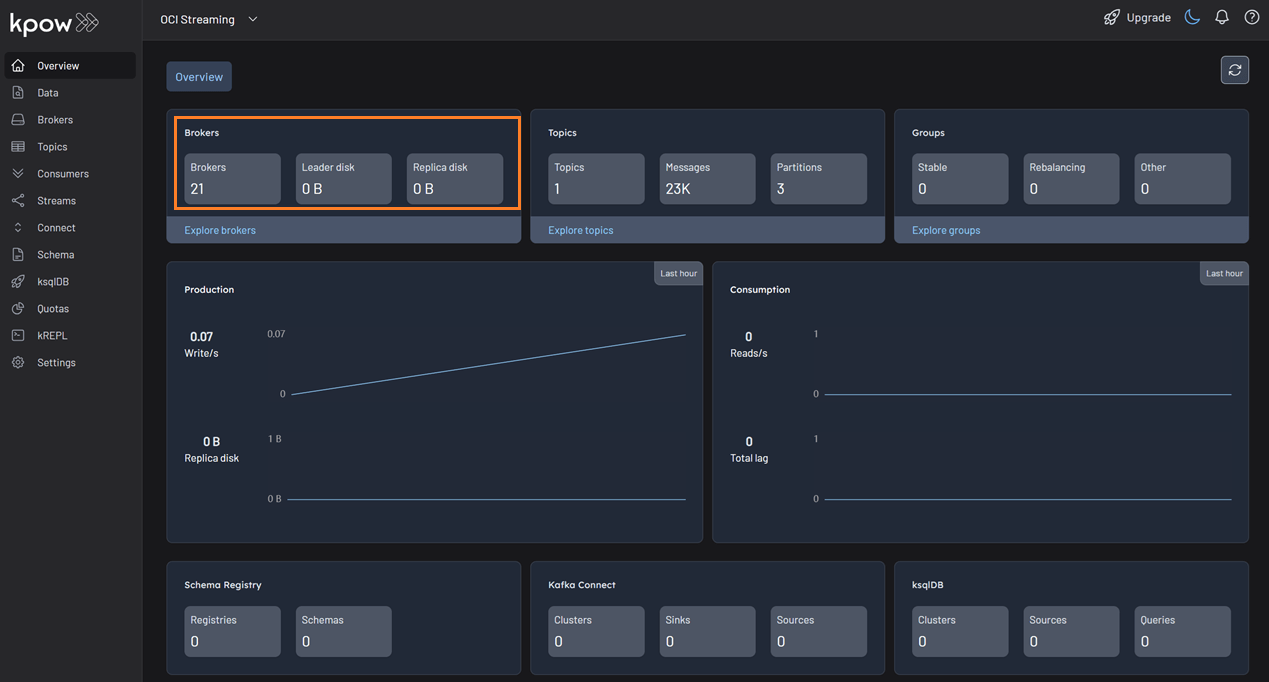
OCI Streaming
Before connecting Kpow, ensure you have created a Stream and the required resources as demonstrated in the OCI getting started guide.
Cluster Authentication
OCI Streaming uses the SASL/PLAIN mechanism for authentication, as detailed in the OCI documentation.
Configure your Kpow connection settings as follows:
SECURITY_PROTOCOL=SASL_SSL
SASL_MECHANISM=PLAIN
SASL_JAAS_CONFIG=org.apache.kafka.common.security.plain.PlainLoginModule required username="<TENANCY_NAME>/<USER_NAME>/<STREAM_POOL_OCID>" password="<OCI_AUTH_TOKEN>";
Limitations
The OCI Streaming service does not yet implement all Kafka APIs. Due to these limitations, Kpow requires persistence mode to be disabled (PERSISTENCE_MODE=none). For more details, see the OCI Kafka compatibility document and the Kpow configuration page.
Quickstart
This command starts a Kpow container configured to connect to the OCI Streaming service using SASL/PLAIN authentication with an OCI Auth Token.
docker run -d -p 3000:3000 --name kpow \
  -e ENVIRONMENT_NAME="OCI Streaming" \
  -e BOOTSTRAP="<BOOTSTRAP_SERVER_ADDRESS>" \
  -e SECURITY_PROTOCOL="SASL_SSL" \
  -e SASL_MECHANISM="PLAIN" \
  -e SASL_JAAS_CONFIG='org.apache.kafka.common.security.plain.PlainLoginModule required username="<TENANCY_NAME>/<USER_NAME>/<STREAM_POOL_OCID>" password="<OCI_AUTH_TOKEN>";' \
  -e PERSISTENCE_MODE="none" \
  --env LICENSE_ID="<LICENSE_ID>" \
  --env LICENSE_CODE="<LICENSE_CODE>" \
  --env LICENSEE="<LICENSEE>" \
  --env LICENSE_EXPIRY="<LICENSE_EXPIRY>" \
  --env LICENSE_SIGNATURE="<LICENSE_SIGNATURE>" \
  factorhouse/kpow:latest
For brevity, Kpow authorization configuration has been omitted. See Simple Access Control to enable necessary user actions.
Once the container is running, access the Kpow UI at http://localhost:3000.